Between
Ideas, built.
A small, fast desktop app around Claude Code. Say what you have in mind and watch it become software, right beside the conversation.
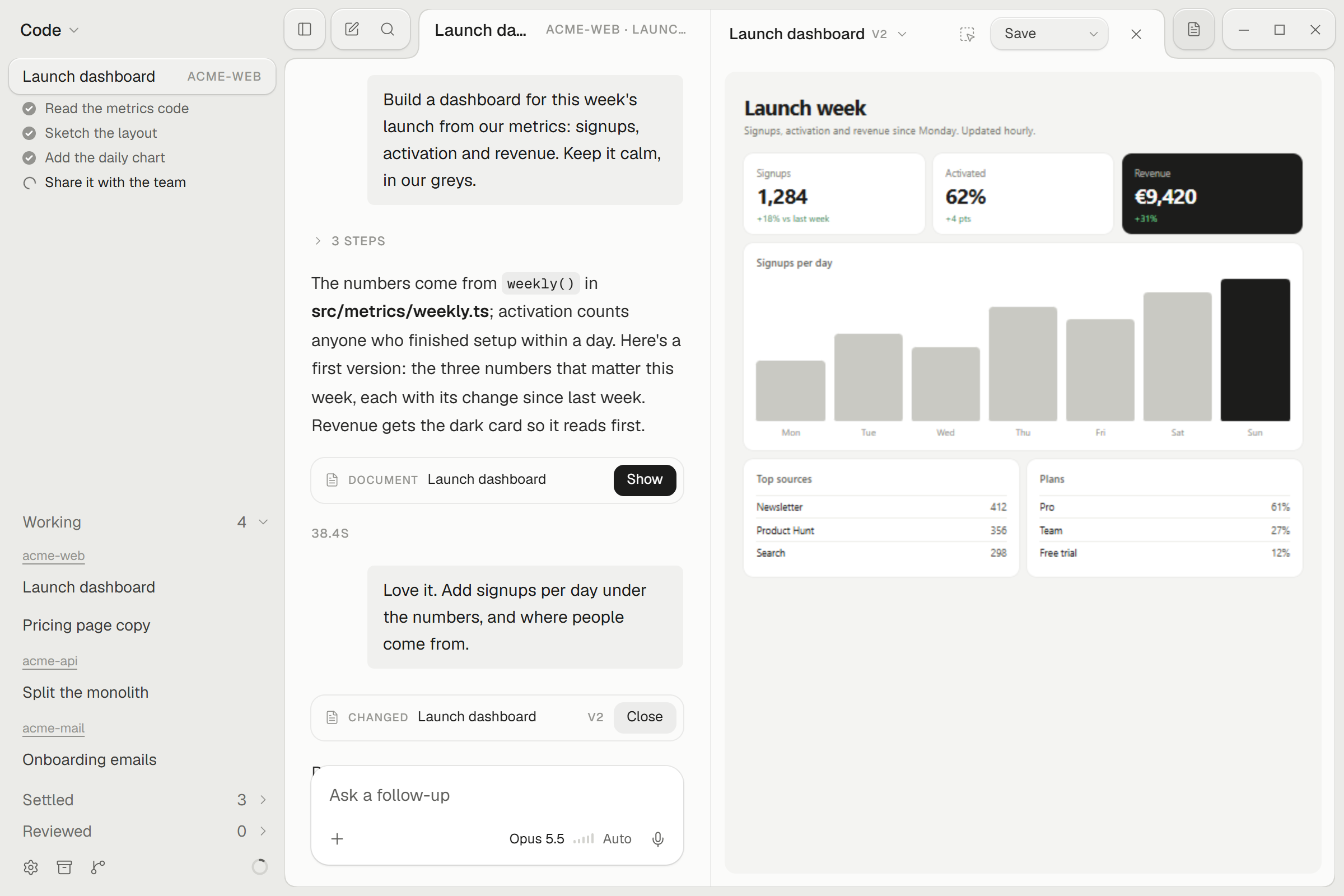
Ideas you can see.
Claude builds pages, charts, diagrams and documents next to the chat. Change them by talking. Go back to any version. Share a link with anyone.
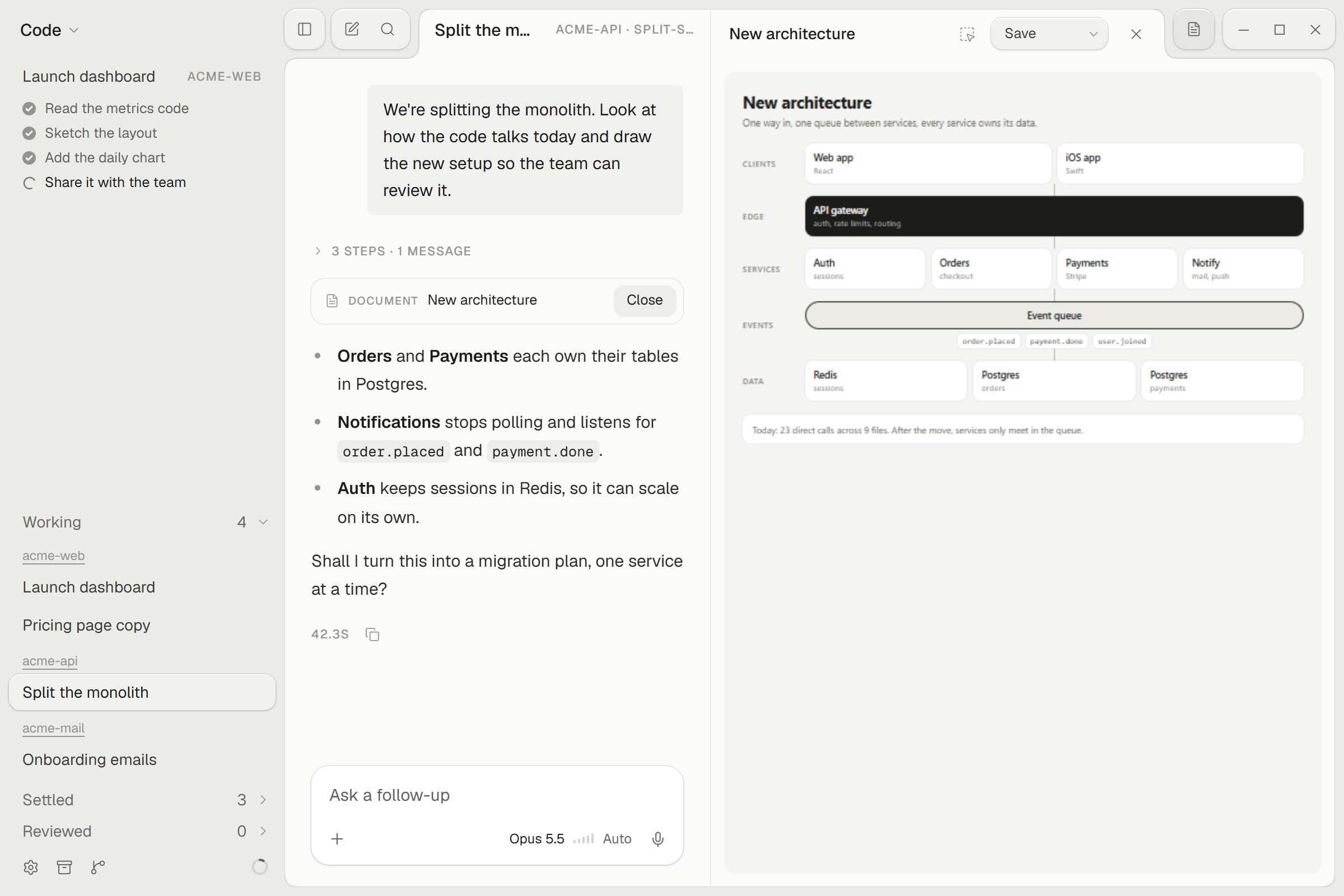
Many ideas at once.
Every chat works on its own branch and folder, so one idea never trips over another.
Point at it.
Mark an area on a page or a document and say what to change. Or just say it out loud.
Every device. Only yours.
Chats, folders and files stay the same on all your computers, encrypted with a key only you have. Start on one, go on with the other.
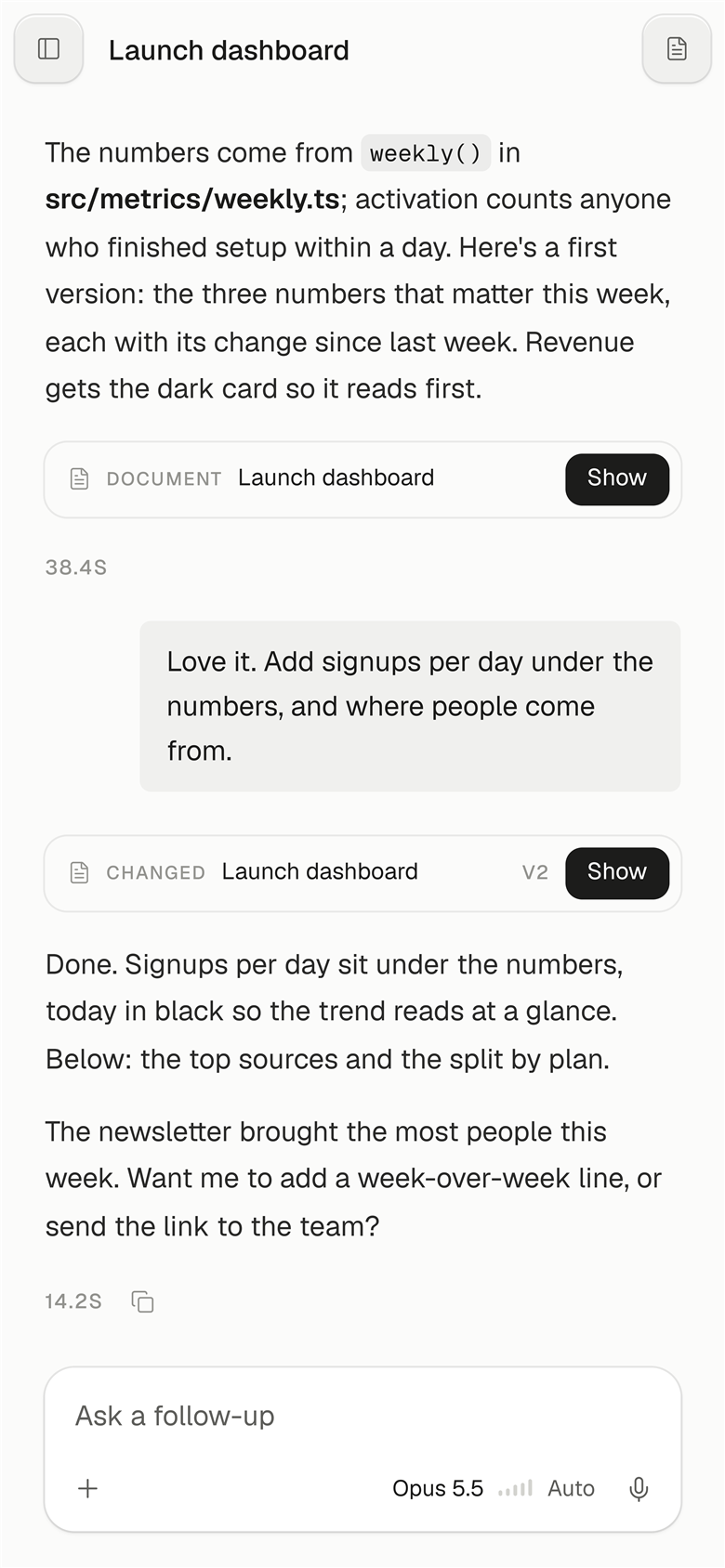
Between Control
Keep going from your phone.
Steer Between on your computer from a phone or tablet. Everything between them is encrypted end to end.
K7Q2-M9XD. That's all.Start with a napkin.
Free. Sign in with your Claude account and go. Updates arrive by themselves.
Or install from the terminal, without the download warning:
curl -fsSL https://napkinlab.de/install.sh | shirm https://napkinlab.de/install.ps1 | iexOn Windows, paste it into PowerShell. Both fetch the newest version from this site.